


Electronics

Low Frequency Electromagnetic Analysis & Simulation Solutions

3D Design simulation visualisation

Electromagnetic Simulation Software

EM simulation engineers require the ability to run simulations that are both accurate and which execute in a reasonably fast time period. At low frequencies, it also becomes essential to have a path whereby mechanical effects can be captured and co-simulated for complete multi-physics simulation. Creating a virtual prototype of electromagnetic components or electronic products to permit testing and evaluation without having to build an expensive hardware prototype. Developers can also incorporate features and robustness to prevent issues that, if discovered only late in the design cycle at the physical prototype stage, would result in significant schedule delays and cost overruns.

Applications

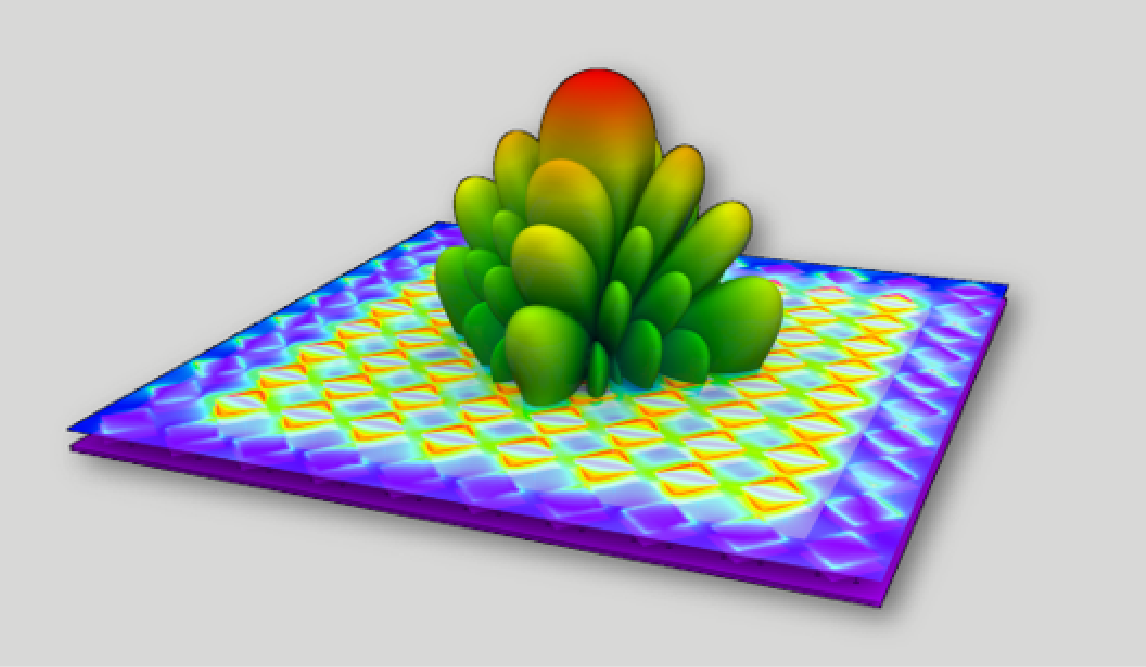
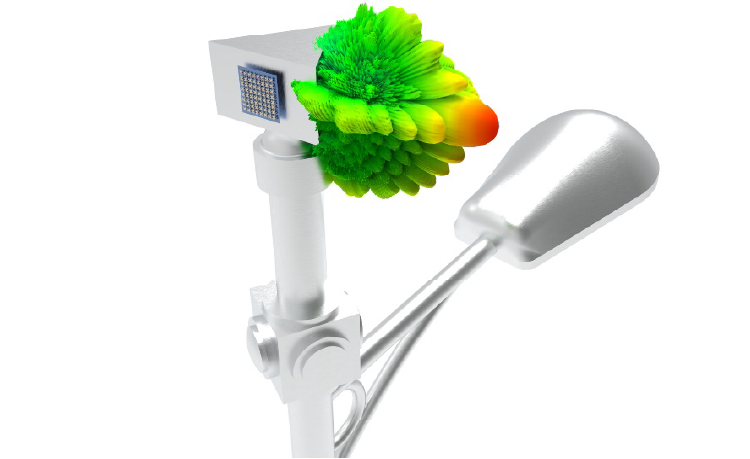
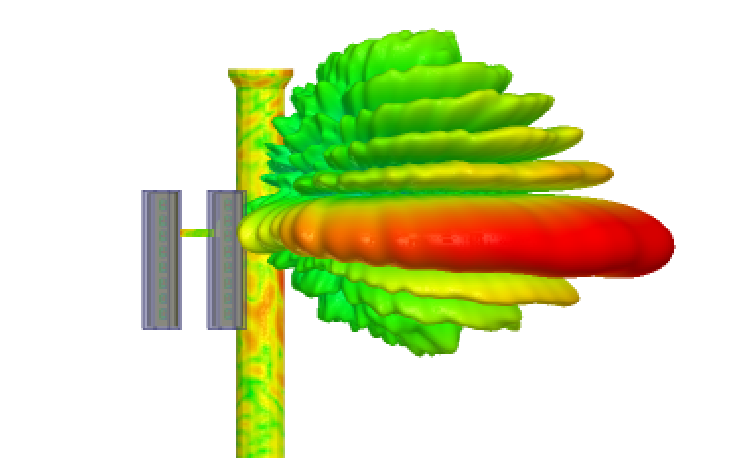
Antennas

Ansys enables user to design Antennas and Antenna Arrays and analyse its performance with high accuracy and several optimization algorithms to arrive at the design requirements.

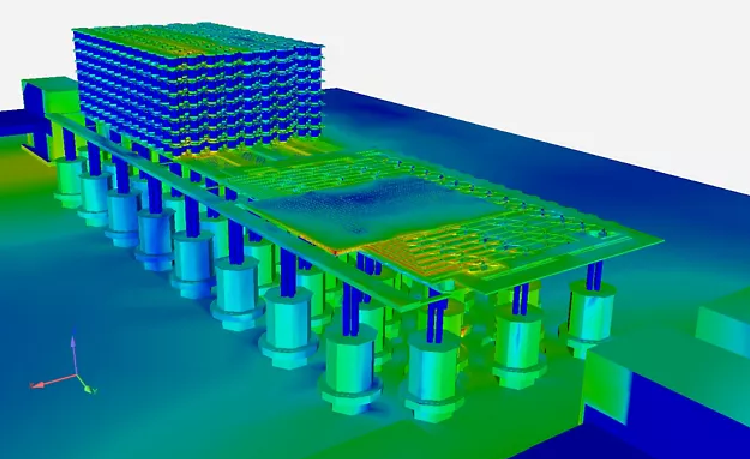
High Speed PCBs

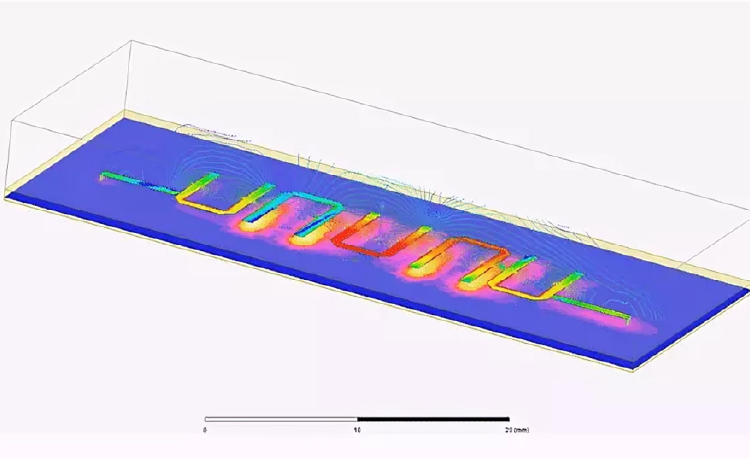
High Speed PCBs are often tend to have several Signal integrity issues which are accurately analysed through ansys in both time and frequency domain and also spacial visualization of fields yields rich understanding of the design and optimize it as per requirements.

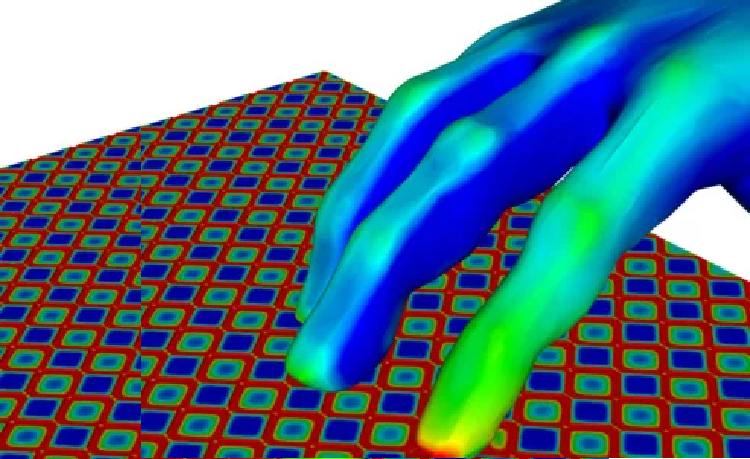
EMI/EMC

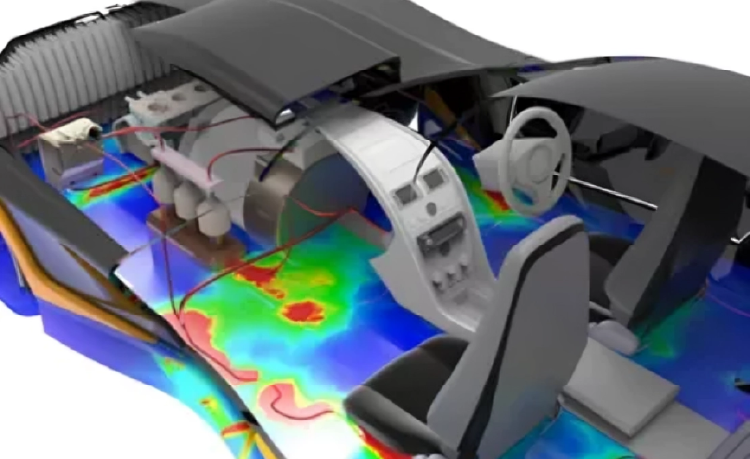
All Electronics radiate and susceptible to noise and such noise are modeled with high accuracy using ansys enabling the full 3D modeling of design and visualize the fields at different locations to identify the potential noise sources, apply mitigation mechanisms and verification.

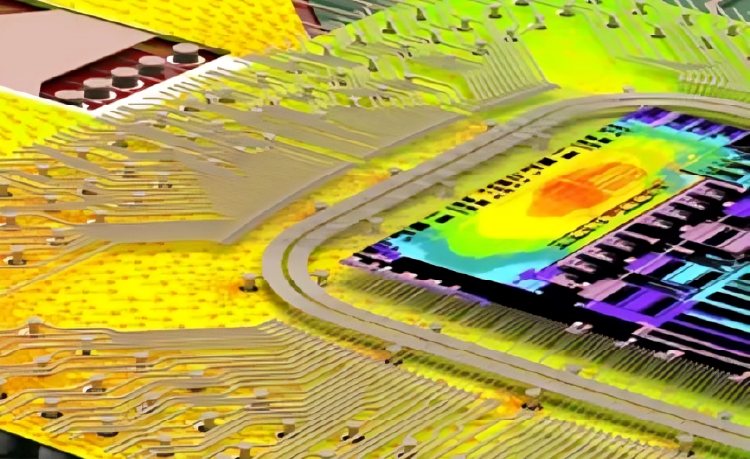
High Current PCBs

HighCurrent PCBs often tend to act as heat sources due to Thermal cycling phenomenon. Such complex phenomenon can be modeled by intercoupling Ansys EM and Thermal simulations and analyse the Joule heating on Power lines of PCBs.

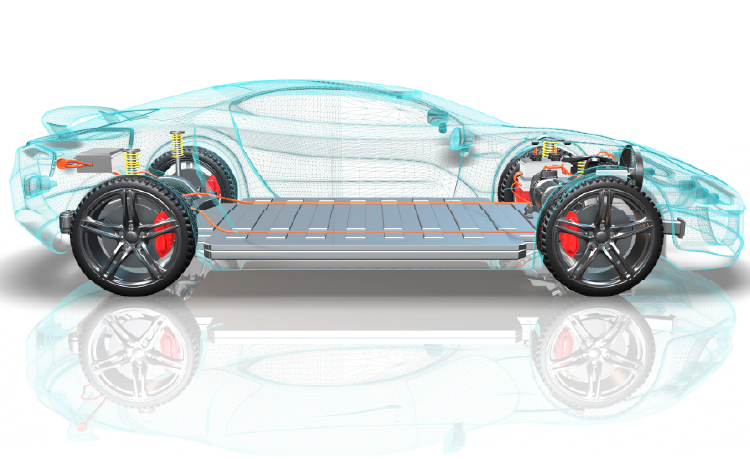
Multiphysics

High power Circuits often generate more heat and tend to undergo deformation due to thermal stresses. Such deformation could lead to deviation in performance. Such complex Multiphysics phenomenon is modeled accurately by inter coupling EM, Thermal and Mechanical Ansys tools.

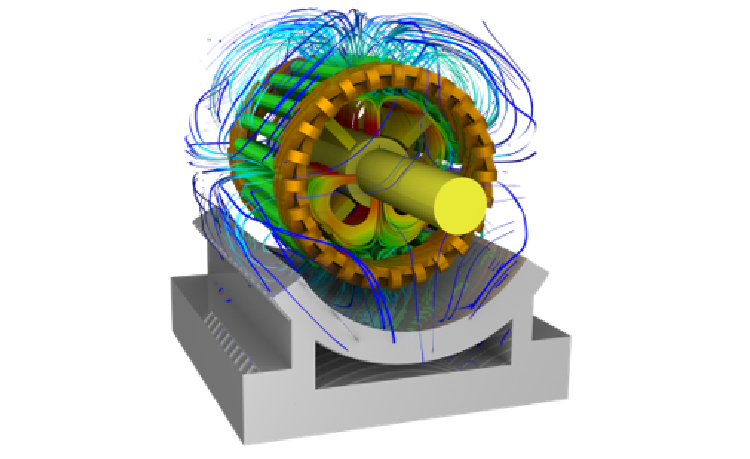
Electric Motors

Enables users to simulate the performance of radial/axial flux and linear motors for a wide range of operations. Reduced order modeling of motors helps in improving the overall system design.

Transformers

Electromagnetic simulation of the transformer provides power losses (Hysteresis, eddy, copper, and stray load losses), insulation system design, short circuit forces, and winding inductances.

Wireless Charging

Enables you to compute winding inductances, coupling coefficient, core loss, eddy currents in the conducting shields, and ohmic loss. Analysis of skin and proximity effects helps in optimizing the coil design.

Electric Bus Bars

Bus Bar plays a vital role in power transmission and distribution systems and acts as a common link for multiple input and output terminals. Simulation of busbars helps in optimizing the design for current carrying capacity.

Electronic Components

Planar inductors and transformers design plays a critical role in electronic control design. Simulation enables the user to identify the effects due to fringing flux, circulating currents, and proximity effects.

Switch Gear Components

Computation of Electric stress distribution in the insulating medium greatly helps in analyzing partial discharge and identifying proper insulating material.

Magnetic Sensors

Fringing sensors are mainly used to identify the rotor position and current sensing in electric machines. Hall and reluctance sensors are the best examples.

Electromagnetic Actuators

Electromagnetic Actuators are used to convert electrical energy to linear mechanical motion. Simulation helps to analyze the performance in terms of mechanical force and response time.

FAQs

What is Ansys 3D Design?

Ansys 3D Design is a suite of tools — including SpaceClaim and Discovery — that lets engineers create, modify, and simulate 3D geometry directly within the Ansys simulation environment, eliminating the need to switch between separate CAD and analysis packages.

How do I download Ansys 3D Design tools?

Licensed users can download Ansys SpaceClaim and Discovery through the Ansys Customer Portal. Contact CADFEM APAC to obtain a licence or request a free trial for evaluation.

How to install Ansys SpaceClaim?

Download the installer from the Ansys Customer Portal, run the setup wizard, and enter your licence server details. Detailed system requirements and step-by-step guides are available in the Ansys Installation Guide included with the download.

How can I learn Ansys SpaceClaim?

Ansys offers free self-paced courses on Ansys Learning Hub, along with official documentation and video tutorials. CADFEM APAC also provides instructor-led training tailored to your industry and workflow.

How to export data from Ansys SpaceClaim?

Use File → Save As to export geometry in formats such as STEP, IGES, ACIS, Parasolid, STL, and more. SpaceClaim also supports direct export to downstream Ansys solvers via Workbench.

How to create a mesh in Ansys Discovery?

Ansys Discovery generates an automatic mesh in real time as you run simulations. For refined control, switch to Refine Mode where you can define mesh sizing, inflation layers, and element types before solving.

Let’s Build What’s Next Together

Whether you're solving complex engineering challenges, accelerating innovation, or exploring new possibilities with simulation and digital engineering, our team is ready to support you. Backed by deep technical expertise and industry experience, we work closely with organizations to transform ideas into reliable, high-performance solutions. Connect with us to discover how CADFEM can help drive your next breakthrough.

CONTACT US

Contact Us Today